Brand and press
The InOrbit name, mark and files
Everything needed to write about InOrbit or put its name on something: the logo in every colour, the palette with print values, the typefaces, the rules for video and diagrams, and the repository cards. Use any of it for articles, talks, invoices and partner pages.
- Press and partners
- Questions, interviews and anything this page leaves out: reach@inorbit.hr
01Logo
The iO mark and the lockup




Amber body



White, amber body
Using it
- Keep a quarter of the mark's height clear on every side.
- Smallest size: 16 px on screen, 5 mm in print.
- Black or amber on light grounds, white on dark ones. Use a solid plate on a photo.
- Leave the shape alone: no rotating, stretching, outlines, shadows or new colours.
The lockup SVGs carry the name as outlines, so they look the same without Inter installed.
02Colour
Neutrals and one amber
ink
Text and dark grounds. Large printed areas use rich black, 40 30 30 100.
- HEX
- RGB
- CMYK
graphite
Raised dark surfaces.
- HEX
- RGB
- CMYK
slate
Secondary text and labels.
- HEX
- RGB
- CMYK
mist
Hairlines and rules on light grounds.
- HEX
- RGB
- CMYK
paper
Light grounds. In print this is the paper itself.
- HEX
- RGB
- CMYK
amber
The accent. Spot colour Pantone 1375 C.
- HEX
- RGB
- CMYK
- PMS
The site's theme
Every surface of the site draws from these tokens, in light and dark. The palette above is what they are made of.
| Token | Light | Dark |
|---|---|---|
| --background | ||
| --foreground | ||
| --card | ||
| --primary | ||
| --muted | ||
| --muted-foreground | ||
| --border | ||
| --ring | ||
| --destructive |
03Type
Inter for reading, Geist Mono for data
04Video
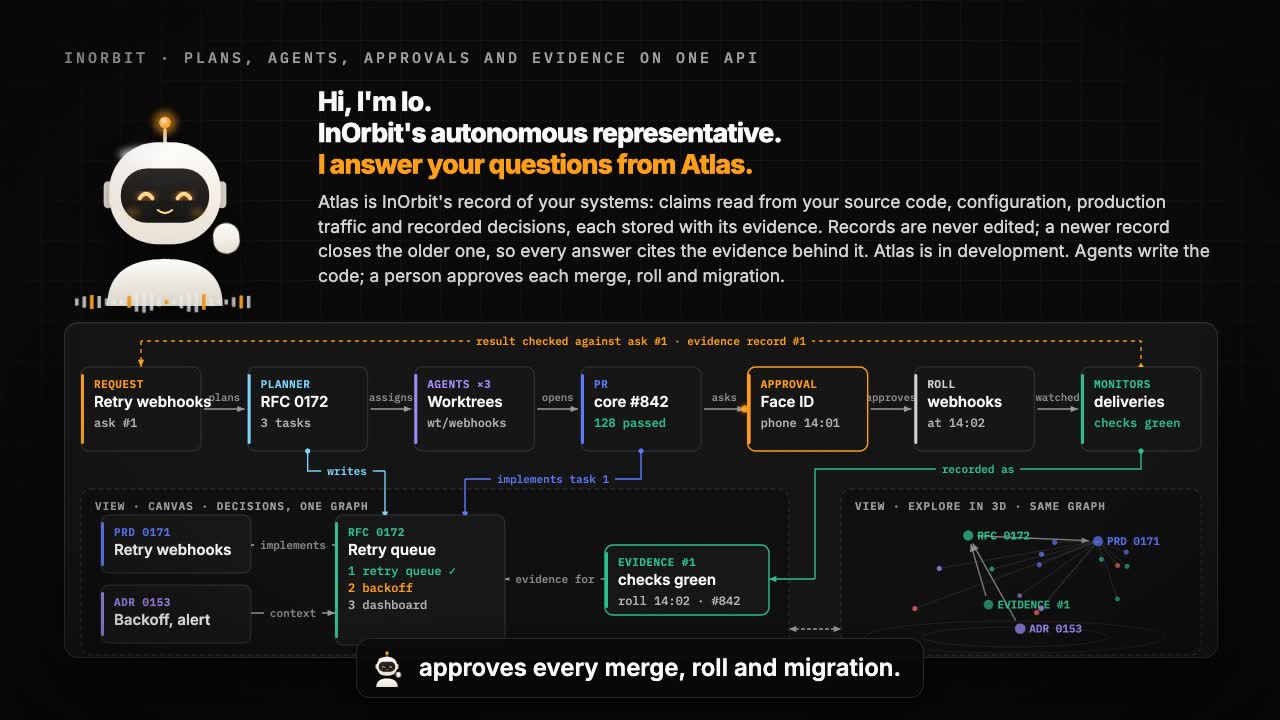
How an InOrbit video looks
- Stage
- 1280 × 720, on a dark ground.
- Type
- Inter for what people read, Geist Mono for labels, values and timestamps.
- Amber
- Sparingly: one detail per frame, never a whole panel.
- Status
- Honest status pills: live, preview, in development, coming. Nothing unbuilt is shown as running.
- Example data
- Any made-up number, name or service is marked “example data” on screen, every time it appears.
- Presenter
- Io presents: it opens, introduces each part and closes. It never stands in for a real person.
- Captions
- On by default, in the video's language.
- Narration
- Bella in English and Mila in Croatian, ElevenLabs voices, labelled wherever the video plays as an AI voice.
05Diagrams
One node for every diagram
What the outline says
- liveSolid, with a shadow: live, runs today.
- in developmentAmber and dashed: in development, the part being built now.
Using it
- The name in sentence case and one line under it on what the part does.
- Every node shows its status, worded as on the site.
- Wires join the nodes; the lit one is the path being explained, the rest stay grey.
06Repositories